HomeOfficeAmazon Kindle Scribe (2024 Release, 2nd Gen), 32 GB
Amazon Kindle Scribe (2024 Release, 2nd Gen), 32 GB Review
Owner review analysis: Based on 134 owner reviews from Best Buy, Kindle Scribe (32GB) 2024 listing (95 owner reviews), Best Buy, Kindle Scribe (16GB) 2024 listing (19 owner reviews), Best Buy, Kindle Scribe (64GB) 2024 listing (19 owner reviews), Target, Kindle Scribe with Premium Pen (16 GB) 2024 Release (1 owner review) and CPSC recalls: no recall found for this model
Pros
- Note-taking, notebooks and to-do lists are what owners praise most
- Reading on the large screen comes up often
- Owners find it easy to pick up and use
- Very few owners report hardware faults
Cons
- Can't write directly on the pages of most Kindle books
- Notes are hard to get out of Amazon's ecosystem
- Bigger and heavier than a regular Kindle
- Expensive; several owners mention the price even while recommending it
What goes wrong, and how often?
15% of the 134 owners in our sample reported a problem. The most common: can't write directly in most kindle books (notes go in boxes) (2% of owners, usually ).
| Problem | Type | When | Owners |
|---|---|---|---|
| Can't write directly in most Kindle books (notes go in boxes) | Hard to use or poor design | 2% | |
| Notes and files hard to export or sync outside Amazon | Hard to use or poor design | 2% | |
| Large and heavy to hold or carry | Hard to use or poor design | within the first month | 1% |
| Note tools awkward (text boxes cut off, conversion quirks) | Hard to use or poor design | 1% | |
| Faint ghosting of the previous page | Doesn't do its job | 1% | |
| Pen button and palm touches caused wrong tool or page turns; returned | Hard to use or poor design | within the first month | 1% |
| Faint vertical line appeared on the screen | Broke or wore out | within 1–6 months | 1% |
| Pen stopped writing (several pens) | Broke or wore out | within 1–6 months | 1% |
| Crashed during setup and registration | Doesn't do its job | within the first month | 1% |
| Software crashes and needs reboots | Doesn't do its job | 1% | |
| Noticeable lag when writing and erasing | Doesn't do its job | within the first month | 1% |
| Pen magnet could be stronger | Hard to use or poor design | within the first month | 1% |
| Pen tips wear down and need replacing | Hard to clean or maintain | 1% |
Where the points went
- Hard to use or poor design−3.5
- Broke or wore out−1.9
- Doesn't do its job−1.6
- Hard to clean or maintain−0.2
Score = 100 minus these deductions. How the Dura Score works.
Most common owner complaints
| Issue | Owners reporting it |
|---|---|
| Can't write directly in most Kindle books | 2% |
| Notes and files hard to export or sync outside Amazon | 2% |
| Hardware failed within months (screen line, pen) | 1.5% |
| Software crashes, including during setup | 1.5% |
| Faint ghosting of the previous page | 1.5% |
Red flags before you buy
- Handwritten notes in most Kindle store books go into sticky-note boxes, not on the page itself; check that this fits how you study.
- Notes stay mostly inside Amazon's system; if you need them in Google Docs or OneDrive, check the current export options first.
- Most reviews we read were written in the first few months of ownership, so long-term reliability is less well covered.
Ownership Scorecard
| Lifespan | Most owners in the sample had it for under six months. Two reported hardware failures (a line on the screen, a pen that stopped writing) within the first few months; the rest reported none so far. |
|---|---|
| Price (New / Used) | $399.99–$419.99 / – |
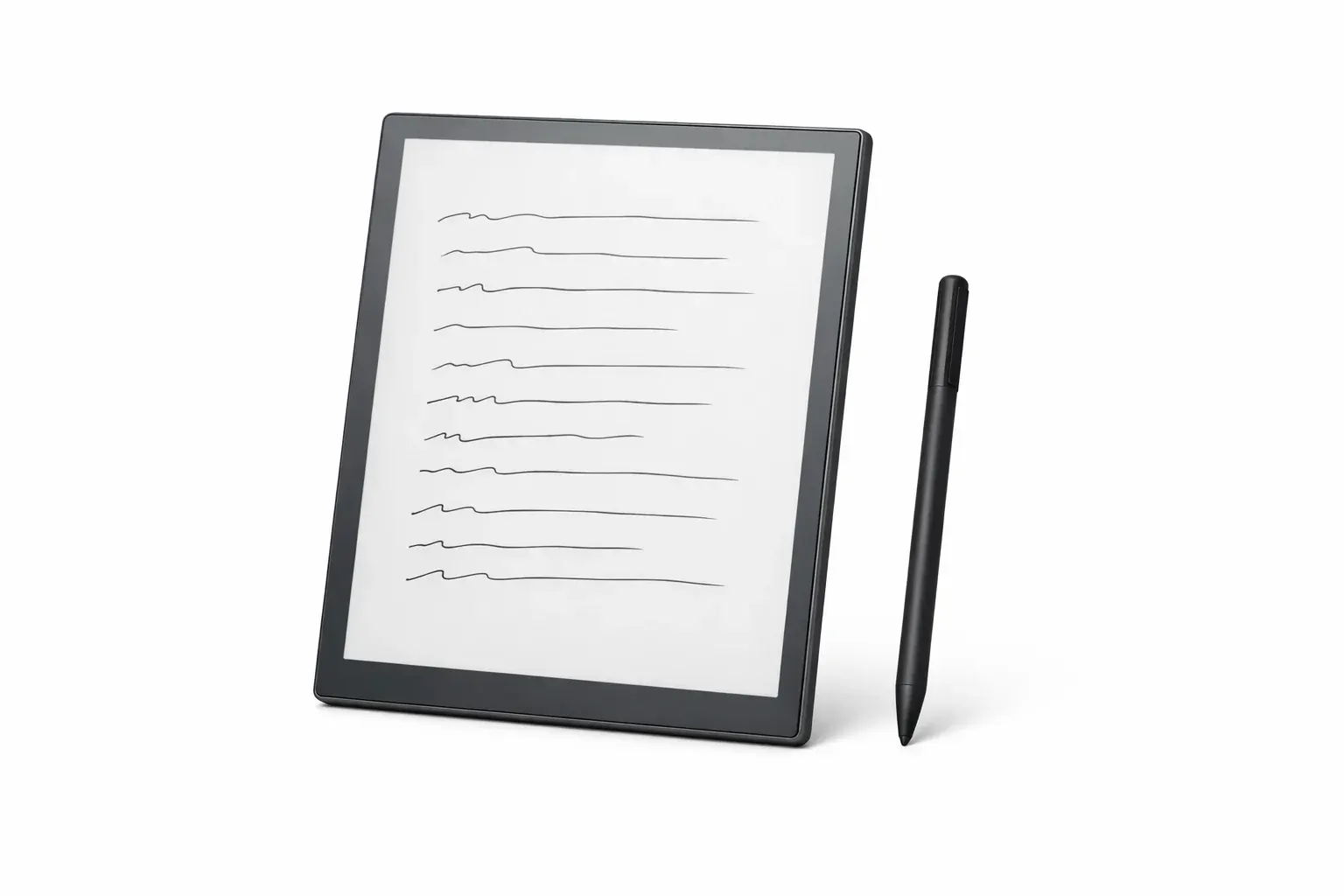
This page covers the 2024 release (2nd generation) Kindle Scribe, the model with even, same-width borders around the screen. It does not cover the original 2022 Scribe or the newer 2025 models.
What do owners like most?
Note-taking and reading on a big screen. The 134 owners whose reviews we read most often praise it for handwritten notebooks, to-do lists and study notes, followed by reading books and documents on the large screen. Ease of use comes up often too, and a smaller group mention the writing feel, highlighting and battery life. The complaints that come up are mostly about software limits, not about the device breaking.
What goes wrong, and how soon?
Hardware problems are rare; design limits are the most common complaint. In the reviews we read, 20 of 134 owners (15%) mentioned any problem at all:
- Hardware failures (2 owners, within the first few months): one owner saw a faint vertical line appear on the screen; another went through several pens that stopped writing within about 90 days.
- Software crashes (2 owners): one unit crashed during setup and registration, and another owner reports crashes that sometimes need a restart.
- Design limits (most of the rest): owners can’t write directly on the pages of most Kindle store books, find notes hard to export outside Amazon, or found the device large and heavy to hold. One owner returned it because the pen button kept switching tools and her palm turned pages while writing.
- Display quirks (3 owners): faint ghosting of the previous page and some lag while writing and erasing.
- Upkeep (1 owner): pen tips wear down and need replacing.
Most reviews were written within the first few months of ownership, so problems that appear after a year or more are not well covered by this sample.
Is it worth buying?
Yes, if you want a large e-ink notebook and reader and you’re happy inside Amazon’s system. Owners who mainly read, mark up PDFs and keep handwritten notebooks are the most satisfied. Skip it if you need to write directly in your Kindle books, sync notes with Google Docs or OneDrive, or want something light for one-handed reading; a standard Kindle or an e-ink tablet with more open file sharing may suit you better.
Common questions
Can you write directly in Kindle books on the 2024 Kindle Scribe?
Not in most of them. Owners report that notes on Kindle store books go into separate note boxes, while PDFs and the built-in notebooks let you write anywhere on the page.
Does the Kindle Scribe 2024 break easily?
Owners rarely report it. In 134 owner reviews, 2 described hardware that stopped working within the first few months (a line on the screen and a pen), and Amazon replaced the screen unit for one of them.
Can I export my Kindle Scribe notes to Google Docs or OneDrive?
Not directly, according to owners. Several say notes and annotations stay inside Amazon's system and that getting files out by email or export is clumsy.
Is the 2024 Kindle Scribe too heavy for reading in bed?
A few owners found it bulky or heavy to hold for long sessions compared with smaller Kindles. Most were happy trading the weight for the bigger screen.
How we researched this
We read and analyzed 134 owner reviews of the Amazon Kindle Scribe (2024 Release, 2nd Gen), 32 GB from Best Buy, Kindle Scribe (32GB) 2024 listing (95 owner reviews), Best Buy, Kindle Scribe (16GB) 2024 listing (19 owner reviews), Best Buy, Kindle Scribe (64GB) 2024 listing (19 owner reviews), Target, Kindle Scribe with Premium Pen (16 GB) 2024 Release (1 owner review) and CPSC recalls: no recall found for this model, collected November 23, 2026. The Dura Score is calculated from the problems owners reported, using the same formula for every product. Percentages and the scorecard summarize what owners said. We did not test this product ourselves. Owner comments are summarized in our own words, not copied. More about our method.
Where can you buy the Amazon Kindle Scribe (2024 Release, 2nd Gen), 32 GB, and for how much?
Check today's price: one click searches right now, with the exact model filled in.
The lowest price we found was $399.99 at Best Buy on November 24, 2026. Prices and deals change often, so check the store before you buy.
Prices we checked
| Store | Price | Deal or note | Link |
|---|---|---|---|
| Best Buy | $399.99 | Sale, regular $419.99 | View at Best Buy |
| P.C. Richard & Son | $419.99 | View at P.C. Richard & Son | |
| Nebraska Furniture Mart | $419.99 | Code EAST26: $25 off $249+ (shown on nfm.com); not available online, in stock at Omaha store | View at Nebraska Furniture Mart |
Prices checked November 24, 2026, including sales and coupons shown on the store's own page. The AI and Google links open those services, under their own privacy policies.